

Email Is the Wrong Channel for Urgent Moments
Your HubSpot workflows are well-built. The logic is solid. But the notification channel is email, and email has a problem: nobody checks it fast enough.
A prospect no-shows your demo. Your workflow sends a follow-up email. They see it 4 hours later, buried under 30 other emails. The moment is gone.
A trial user signs up and does nothing. Your onboarding email arrives while they're in another tab. By the time they read it, they've forgotten why they signed up.
The workflows below fix this by adding push notifications as the nudge channel for time-sensitive triggers. Email stays for long-form content. Push handles the "right now" moments.
How Push + HubSpot Works Together
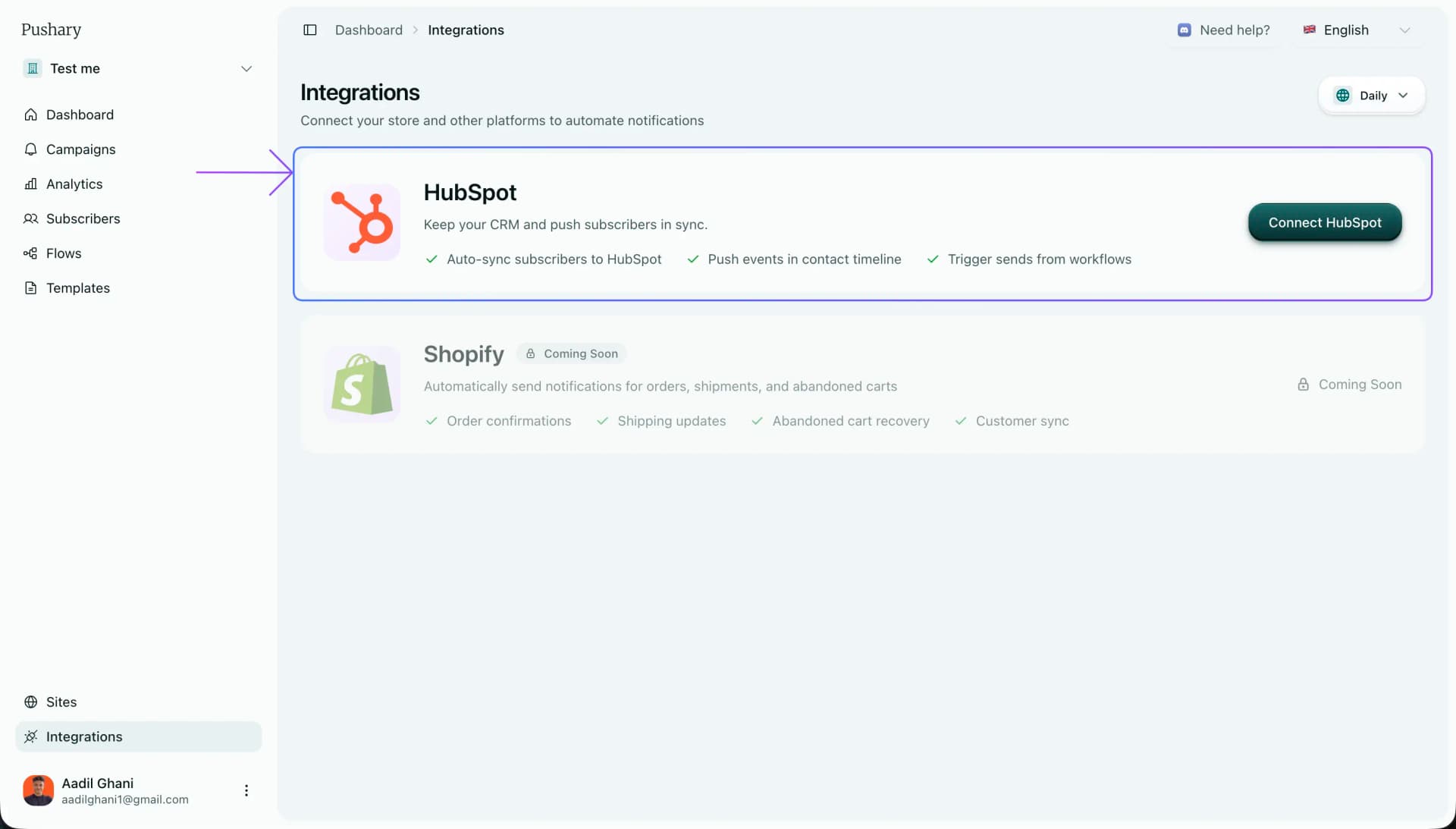
Three things happen when you connect HubSpot:
Contacts stay in sync
Push subscribers automatically match to HubSpot contacts. Updates flow both ways so you're never working with stale data.
Every push shows up in the contact timeline
Sent, delivered, clicked - all visible in HubSpot. Your sales team sees exactly which notifications a contact engaged with.
Workflows trigger push via webhooks
Add a webhook action to any existing workflow. No need to rebuild anything.
The result: HubSpot handles the logic and segmentation. Push handles the instant delivery. Everything logs back to the contact record.
Setup Takes 2 Minutes
- Go to your dashboard → Integrations → Connect HubSpot
- Authorize the OAuth connection (standard HubSpot flow)
- Pick your sync settings:
- Sync Direction: Bi-directional (recommended)
- Timeline Events: Enable sent, delivered, clicked
- Field Mappings: Defaults work for most setups
Once connected, every subscriber gets a hubspotContactId that links them to their HubSpot contact. Timeline events start flowing immediately.
The 5 Workflows
Each workflow includes the exact trigger, timing, copy, and branching logic. Built for SaaS founders and B2B sales teams using HubSpot.
| Workflow | What it solves | Trigger |
|---|---|---|
| Meeting Reminder | Prospects forget to join | 10 min before meeting |
| No-Show Recovery | Demos that didn't happen | 10 min after no-show |
| Trial Activation | Signups that go silent | 30 min after signup |
| Trial Expiration | Trials that expire quietly | 48h before trial ends |
| Deal Stall | Deals rotting in pipeline | 5+ days in same stage |
1. Meeting Reminder
Trigger: 10 minutes before scheduled meeting
Push (10 min before)
"Your call with [Rep Name] starts in 10 min"
"Tap to join now"
Links directly to the meeting room
Most calendar reminders go to email 1 hour before. By then they've already forgotten or are deep in something else. This lands on their device at the exact moment they need to act. One tap to join.
2. Demo No-Show Recovery
Trigger: Meeting outcome = no-show
Push #1 (10 min after)
"No worries. Want the 2-min summary instead?"
"We recorded a quick overview just for you"
Links to recap page or demo video
Wait 24 hours. Branch on click:
- Clicked → Tag as "engaged", continue nurture
- Didn't click → Push #2
Push #2 (next day)
"I can hold a slot tomorrow if you still want to chat"
"Book in 30 seconds"
Links directly to booking page
Push #1 reaches them within 10 minutes - while they still remember booking the call. The tone is zero-pressure: you're offering value (a recap), not guilt-tripping them. Push #2 opens a door without pushing them through it.
3. Trial Activation Sprint
Trigger: Trial started (lifecycle stage = trial)
Push #1 (30 min after signup)
"Fastest win: do this one step first"
"Most users see results in under 5 minutes"
Links to the exact feature or setup step
Wait 23.5 hours. Branch on completion:
- Completed step → Continue onboarding
- Didn't complete → Push #2
Push #2 (24h after signup)
"Most people miss this setting"
"It doubles results. Takes 30 seconds to enable"
Links to specific setting page
The first 24 hours of a trial decide everything. Push #1 lands while they're still at their desk, giving them one clear action instead of a 10-step onboarding email. Push #2 uses specificity ("this setting", "doubles results") to create genuine curiosity.
4. Trial Expiration Warning
Trigger: 48 hours before trial end date
Push #1 (48h before expiry)
"Your trial ends in 2 days"
"Keep your [specific feature] running - upgrade now"
Links to pricing page
Wait 24 hours. Branch on upgrade:
- Upgraded → Move to customer onboarding
- Didn't upgrade → Push #2
Push #2 (24h before expiry)
"Last day to keep your workspace"
"Upgrade in 2 clicks. All your data stays."
Links to upgrade with prefilled plan
The key here: mention the specific thing they'll lose, not generic "access". And the second push removes the two fears that stall upgrades - effort ("2 clicks") and risk ("data stays"). These expire emails get buried. Push makes them impossible to miss.
5. Deal Stage Stall Recovery
Trigger: Deal in same stage for 5+ days (no activity)
Push #1 (5 days in stage)
"Quick question about [Company Name]"
"Is there anything blocking you? I can help clear it."
Links to book 15-min call or reply directly
If no response after 3 days:
Push #2 (8 days total in stage)
"Should I close this out?"
"Let me know if timing changed. No hard feelings."
Two options: "Yes, close it" or "No, let's talk"
Push #1 is helpful, not pushy - you're offering to remove a blocker, not asking them to buy. Push #2 forces a decision. Either they re-engage or you qualify them out. Both outcomes are better than deals sitting in your pipeline for weeks.
Timing Rules That Actually Matter
When to send
First push after a trigger event. This is when context is highest and action is cheapest. No-shows, signups, abandoned steps.
Minimum gap between pushes to the same person. Anything less feels aggressive.
The standard follow-up window. Long enough that it doesn't feel like a nag, short enough that they still remember.
Send window for B2B. Use HubSpot's contact timezone property to avoid 3am pushes.
Copy rules
Each push should have one job. Not two, not three. One action the person should take right now.
Weak:
"Check out our new features and update your settings"
Strong:
"Most people miss this setting. It doubles results."
Title: under 40 characters. Body: under 120 characters. Anything longer gets cut off on mobile. Always deep link to the exact page where they take action - never your homepage.
Branching on engagement
Use the clicked timeline event in HubSpot to branch your workflow. If someone clicked, they're engaged - send another push for the next step. If they ignored it, fall back to email. This prevents notification fatigue and keeps click rates high.
The metric that matters:
Don't track opens. Track what happened after the push. Did they join the meeting? Complete the setup step? Upgrade? pushary_total_clicks in HubSpot contact properties tells you who's engaging. The rest is in your conversion data.